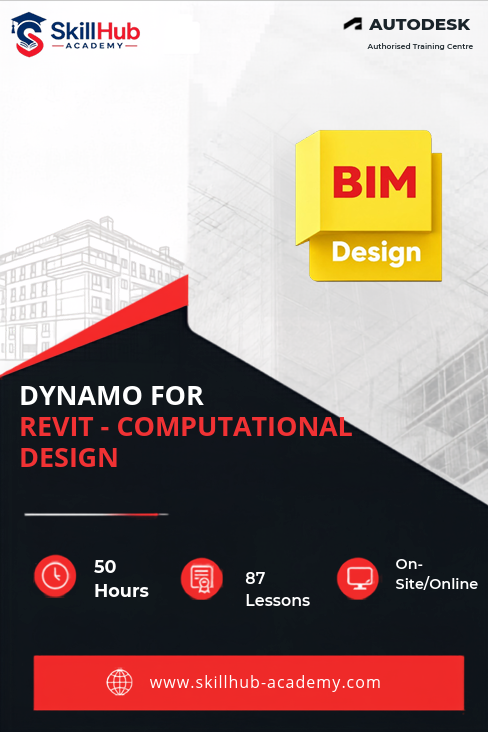
Skillhub Academy’s Dynamo for Revit – Computational Design & Automation Professional boot camp is a live, instructor-led program that turns architects, engineers and BIM technicians into visual programming power users. Inside Skillhub Academy’s virtual classroom you will master nodes, wires and data trees, automate sheet creation, tagging and family placement, integrate Python scripts for custom nodes, and link Revit data with Excel, CSV and Navisworks in real time.
The curriculum culminates with an industrial capstone project that showcases Skillhub Academy certified skills recruiters actively search for: Dynamo Revit engineer, computational designer, BIM automation specialist, visual programmer and parametric modeler perfect for anyone googling Dynamo courses, Revit automation classes, computational BIM training or visual scripting near me.

| Why Choose Our Program? | |
|---|---|
| Step-by-Step Learning | From beginner basics to advanced drafting workflows |
| Real Projects | Work on floor plans, construction documents, and detailed layouts |
| Instructor-Led Expertise | Learn from certified professionals with real-world CAD experience |
| Industry Standard Training | Gain skills that align with global architectural and engineering practices |
| Certification Ready | Prepare for Autodesk certification exams for added credibility |
| Career Advantage | Build a strong portfolio and stand out in job applications |
| Flexible & Accessible | Learn online at your own pace with practical assignments |
Roles you can pursue:
- Dynamo Revit Engineer
- Computational Designer
- BIM Automation Specialist
- Parametric Modeler
- Visual Programmer
- Python-Driven BIM Developer
- Revit Workflow Automator
Industry Demand:
- Global AEC Design Studios
- BIM & Digital Engineering Consultancies
- Computational Design Firms
- International BIM Outsourcers
- Tech-Driven Architecture Practices
What Will You Learn?
Find out what skills you'll gain — and who this course is designed for.
Whether you're a student, engineer, or design enthusiast, this section gives you a clear look at what you’ll learn and if this course fits your goals. No jargon, no guesswork — just real skills for real careers.
Model 1: Master Visual Programming
- Navigate nodes, wires & data types inside Dynamo’s graphical canvas
- Build reusable graphs that drive geometry, math and logic without writing code
Model 2: Automate Revit Workflows
- Batch-create sheets, views, tags and schedules from Excel lists in seconds
- Auto-place families, update parameters and manage revisions with one click
Model 3: Control Parameters & Families
- Link shared parameters to Dynamo sliders for real-time design iterations
- Generate adaptive components and constraint-based forms directly in Revit
Model 4: Add Python Power-Ups
- Write short Python scripts for custom nodes, loops and error handling
- Import external libraries and create shareable packages for your team
Model 5:Exchange Data Live
- Read/write Excel, CSV, JSON and connect to Navisworks for clash reports
- Build live dashboards that sync Revit quantities with Excel cost sheets
Who Should Enroll?
Discover if this course is the right fit for you. Whether you’re a beginner looking to build strong foundations or a professional aiming to sharpen your expertise, this program is designed to match your goals and career path.
👩🎓 Who Should Enroll?
- Architecture, Civil & Mechanical Students – who want to add computational design, parametric modelling and Revit automation to their portfolio before placements.
- Revit Modelers & BIM Technicians – ready to replace repetitive clicks with Dynamo scripts that create sheets, tag families and update schedules in seconds.
- Computational Designers & Engineers – looking to master visual programming, Python scripting and live data links for complex geometry and fast iteration.
- Project Coordinators & Design Managers – seeking workflow automation that syncs Revit quantities with Excel cost sheets and Navisworks clash reports.
- Professionals targeting career switch – into high-demand roles such as Dynamo Revit Engineer, BIM Automation Specialist or Parametric Modeler.
What will you achieve?
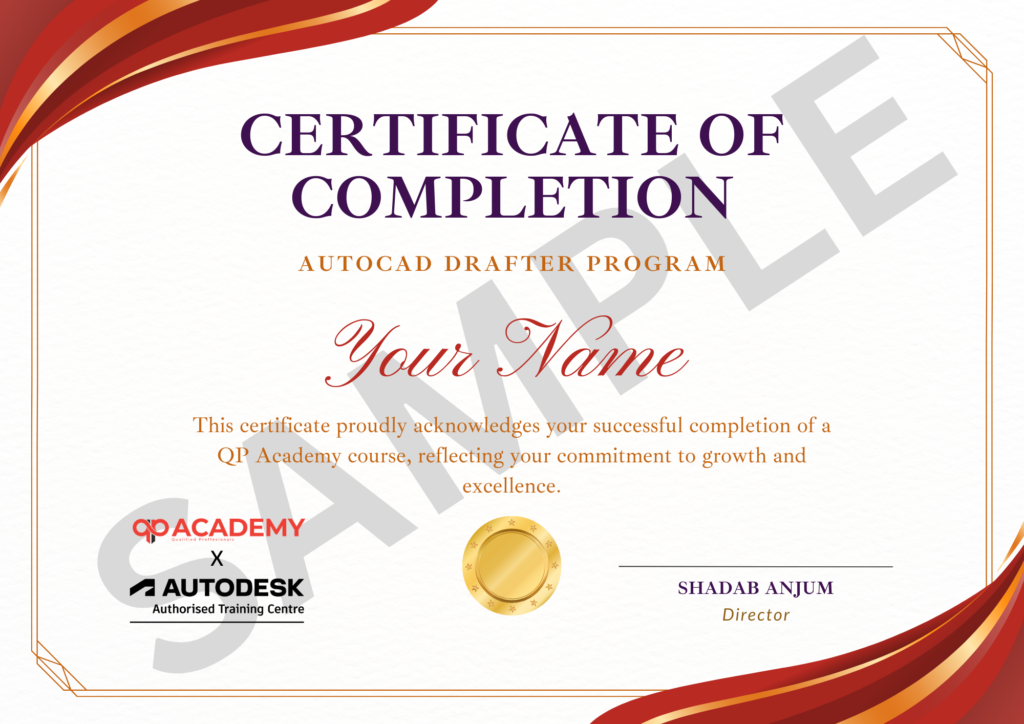
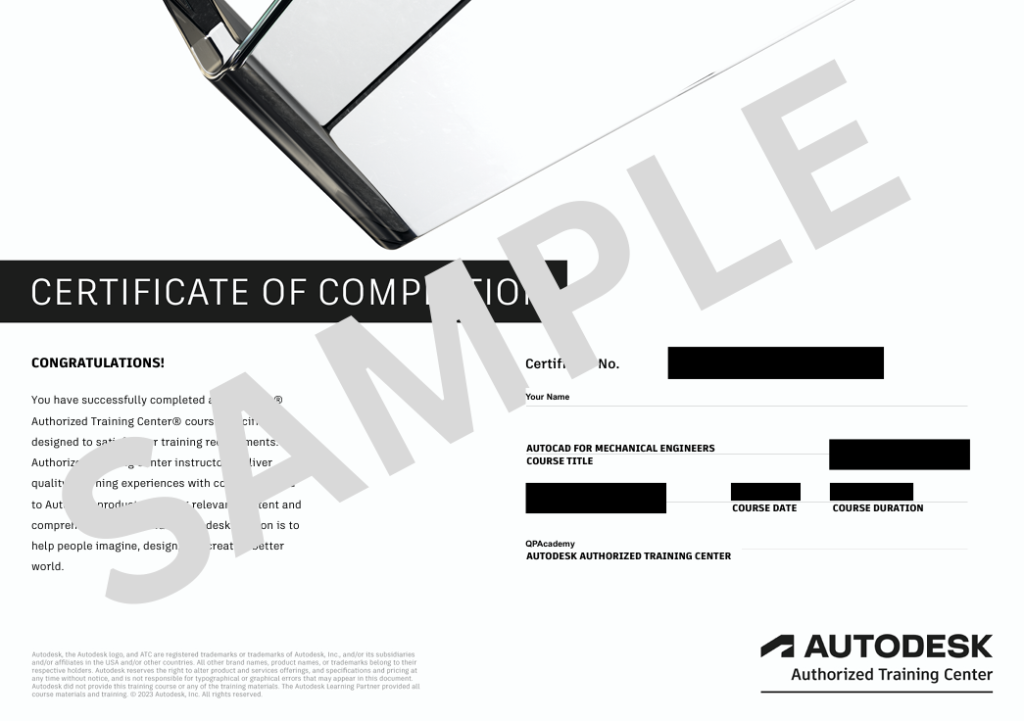
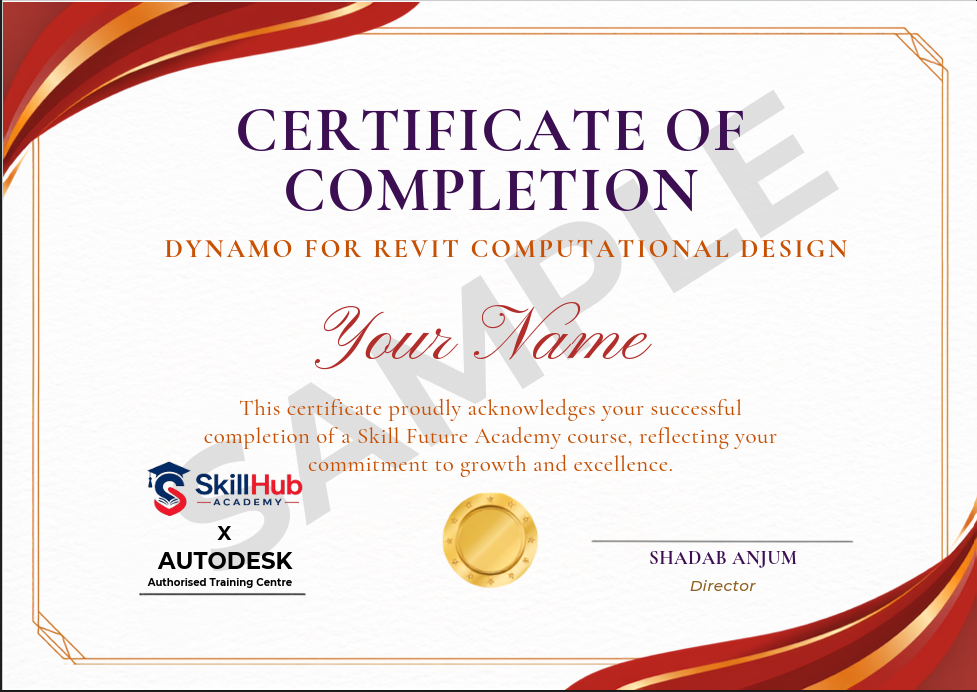
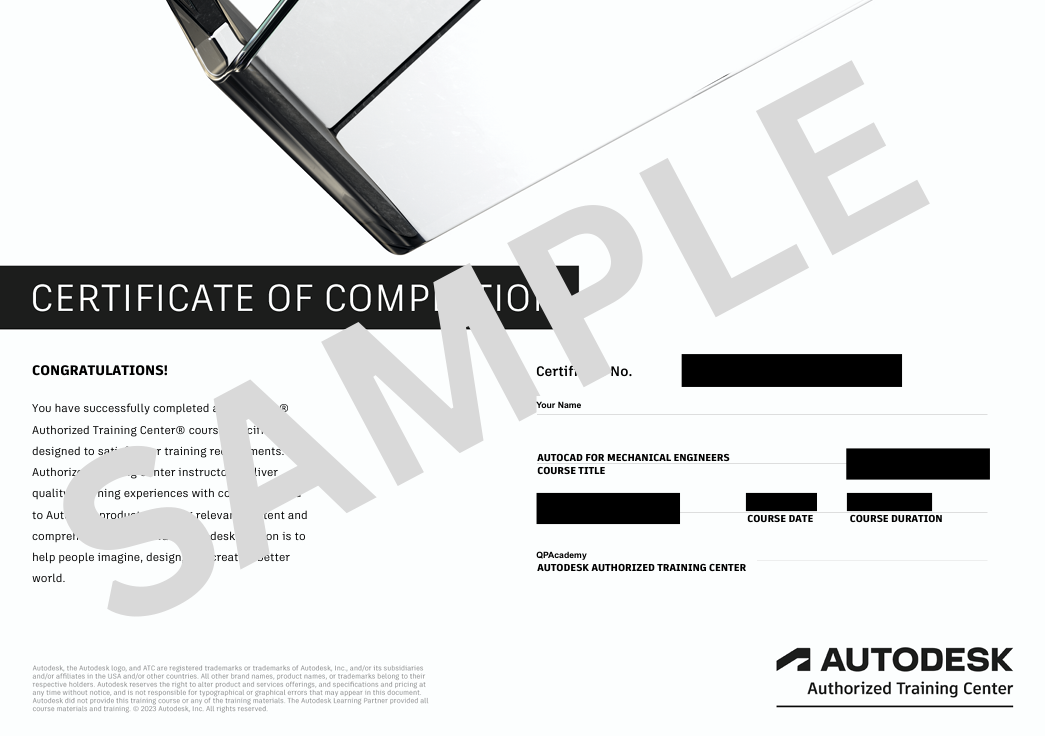
Showcase your achievement with an industry-recognized certificate. A symbol of your dedication and newly acquired skills, it’s proof you’re ready to apply your knowledge in real-world projects and career opportunities.
🏆 Certification & Recognition
- Certificate of Completion from Skillhub Academy
- Portfolio-ready drafting projects to showcase skills
- Preparation for Autodesk AutoCAD Certification Exam
🏆 Job Support + Email + Discussion Forum
100% Job Support – End-to-end guidance to help you land a job, from interview prep to career advice.
Email Assistance – Quick, personalized help right in your inbox whenever you need clarity.
Discussion Forum – A dedicated space to ask questions, share knowledge, and learn from peers & experts.

We’re an Official Autodesk Training Partner!
We’re proud to join hands with Autodesk as an Authorized Learning Partner. Get ready for certified courses, hands-on training, and resources backed by industry leaders. Whether you're a student, professional, or enthusiast—your journey to mastering Autodesk tools starts here.
Frequently Asked
Questions.
Is prior Dynamo or programming experience required?
No. Module 1 starts with visual-programming basics; we build from nodes and wires to Python scripts step-by-step.
Which versions of Dynamo and Revit are used?
Latest stable Dynamo (2.x) and Revit 2023-2024; all graphs work back to Revit 2021 and you can practise on the free educational licence we help you install.
Will I create real automation scripts during the course?
Yes. Modules 2-6 are hands-on: you will auto-create sheets, tag families, batch-update parameters and link Excel data to Revit in real time.
Is Python scripting covered for non-programmers?
Absolutely. Module 4 teaches just-enough Python (variables, loops, error handling) to build custom nodes and share reusable packages.
Are live sessions recorded?
Every class is recorded and available for 12 months, along with Dynamo graphs, Python scripts and PDF hand-outs.
What is the final assessment?
A capstone automation workflow (sheet + tag + BOQ + Excel link) is built, documented and submitted; 70 % score earns the QP Academy certificate.
Can this training help me clear job interviews?
Yes. Visual programming, Revit API basics and workflow automation map directly to Dynamo Revit Engineer, Computational Designer and BIM Automation Specialist roles.
What if I miss a class?
Watch the recording, post your doubts in the group and the instructor will reply within 24 h; optional 15-min catch-up slot also available.
Is placement assistance provided?
Yes. QP Academy shares your capstone graph and certificate with 150+ BIM and computational-design hiring partners and guides you on resume building.