
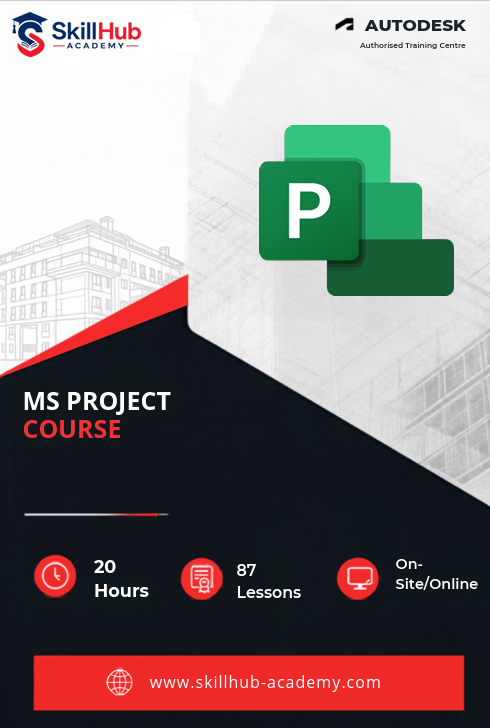
Skillhub Academy’s Microsoft Project Professional Program is a hands-on course built for the AEC, IT and infrastructure world. Start with fast planning basics, then move to live scheduling, cost control and earned-value reporting inside MS Project.

| Why Choose Our Program? | |
|---|---|
| Step-by-Step Learning | From beginner basics to advanced drafting workflows |
| Real Projects | Work on floor plans, construction documents, and detailed layouts |
| Instructor-Led Expertise | Learn from certified professionals with real-world CAD experience |
| Industry Standard Training | Gain skills that align with global architectural and engineering practices |
| Certification Ready | Prepare for Autodesk certification exams for added credibility |
| Career Advantage | Build a strong portfolio and stand out in job applications |
| Flexible & Accessible | Learn online at your own pace with practical assignments |
Roles you can pursue:
- Planning Engineer
- Project Scheduler
- Project Coordinator
- Cost Controller
- Project Management Assistant
- Planning & Estimation Engineer
- BIM Planning Specialist
Industry Demand:
- Construction & Infrastructure Firms
- Real Estate Developers
- Oil & Gas EPC Contractors
- IT & Software Project Teams
- Consulting & Project Management Firms
What Will You Learn?
Find out what skills you'll gain — and who this course is designed for.
Whether you're a student, engineer, or design enthusiast, this section gives you a clear look at what you’ll learn and if this course fits your goals. No jargon, no guesswork — just real skills for real careers.
Model 1: Project Setup Essentials
- Build project calendars, define working times and set start/finish dates
- Break work into a clear Work Breakdown Structure with milestones
- Configure custom fields and views for faster data entry
Model 2: Dynamic Scheduling
- Create task relationships (FS, SS, FF, SF) and auto-schedule dates
- Apply lead/lag times, deadlines and constraints for real-world shifts
- Use critical-path tools to shorten timelines and optimise sequences
Model 3: Resource & Cost Control
- Assign labour, material and cost resources with hourly rates and units
- Compare planned vs. actual costs and spot budget overruns instantly
- Apply resource levelling to remove over-allocations and smooth workloads
Model 4: Progress Tracking Tools
- Set baselines and update % complete, actual dates and remaining work
- Calculate Earned-Value metrics (CPI, SPI, EAC) for cost & schedule health
- Build traffic-light indicators and variance tables for quick status reviews
Model 5: Stakeholder Reporting
- Generate one-click Gantt charts, timeline visuals and PDF summaries
- Export task/cost data to Excel and link to Power BI for live dashboards
- Automate recurring reports and share read-only views with teams/clients
Who Should Enroll?
Discover if this course is the right fit for you. Whether you’re a beginner looking to build strong foundations or a professional aiming to sharpen your expertise, this program is designed to match your goals and career path.
👩🎓 Who Should Enroll?
- Engineering Professionals : Civil, Mechanical & Electrical engineers who want to plan site works, track progress and present schedules to clients.
- Planning & Site Supervisors : Ready to replace Excel sheets with live, auto-updating Gantt charts and cost dashboards.
- Project Coordinators & Junior PMs : Aiming to clear PMP/PMI-SP exams and hit the ground running with industry-standard tools.
- Final-Year Students : Looking for placement-ready skills that recruiters ask for: “MS Project, Planning, EVM.”
- BIM & Design Consultants : Who need to integrate time-phased schedules with 3D/4D BIM workflows.
What will you achieve?
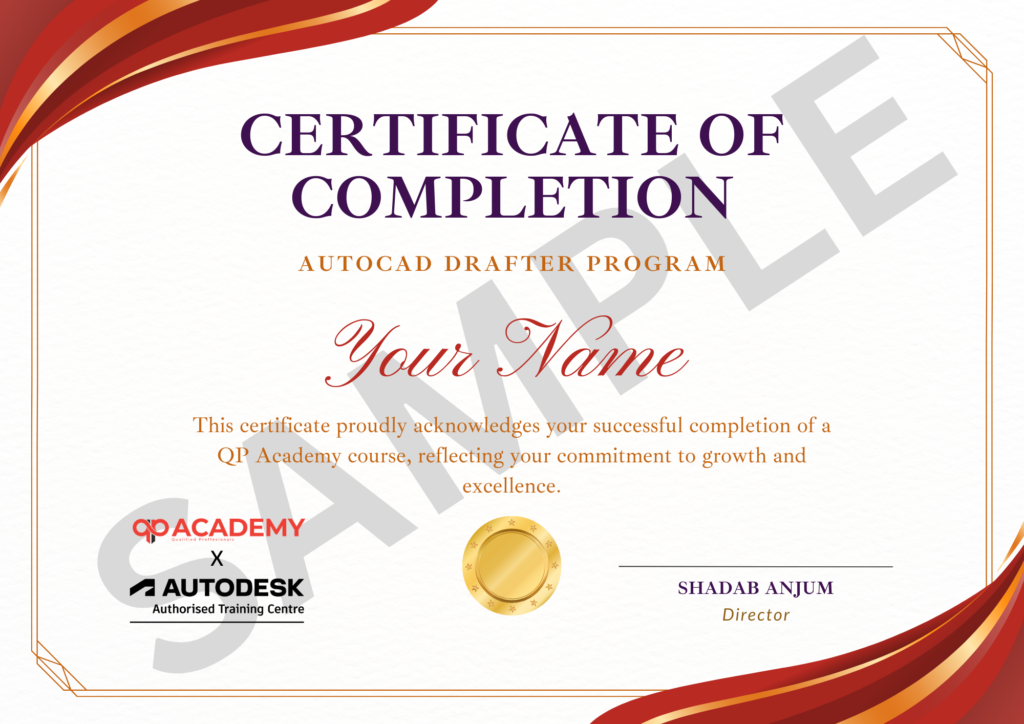
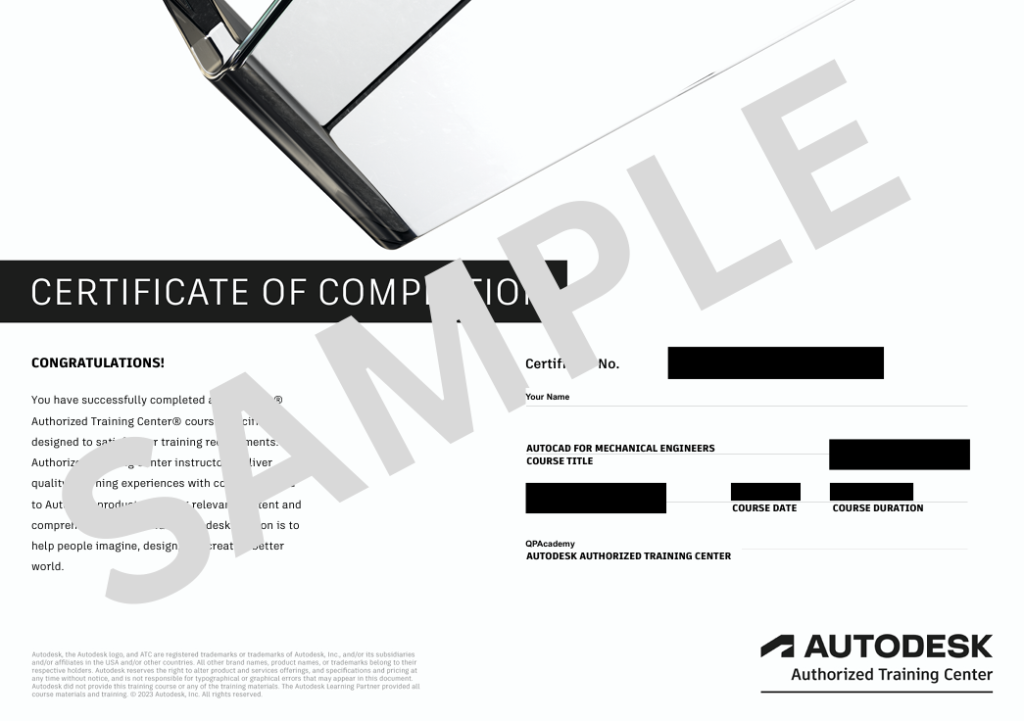
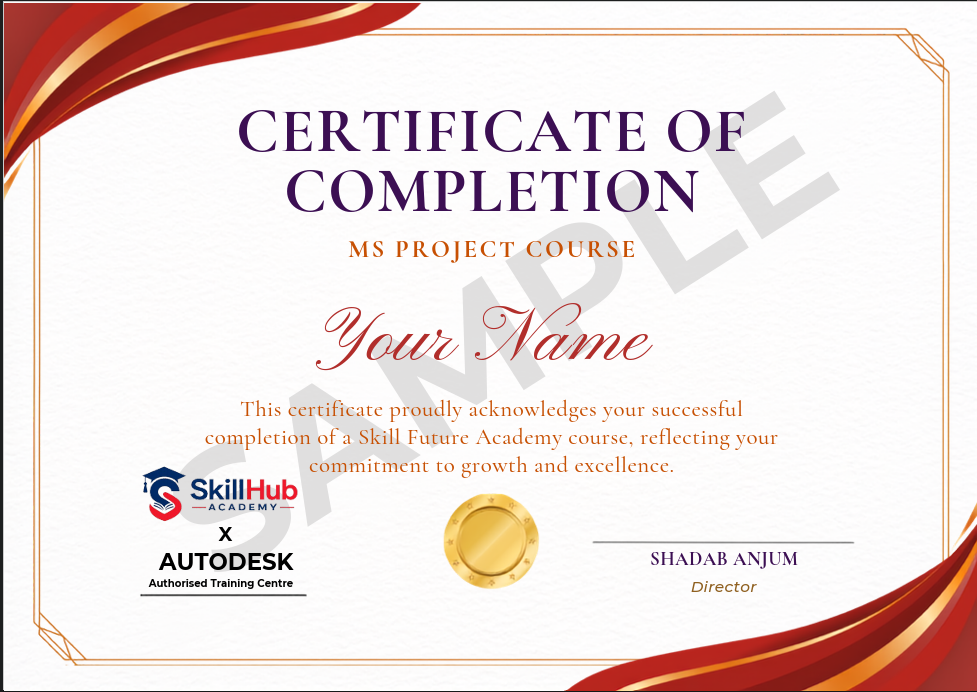
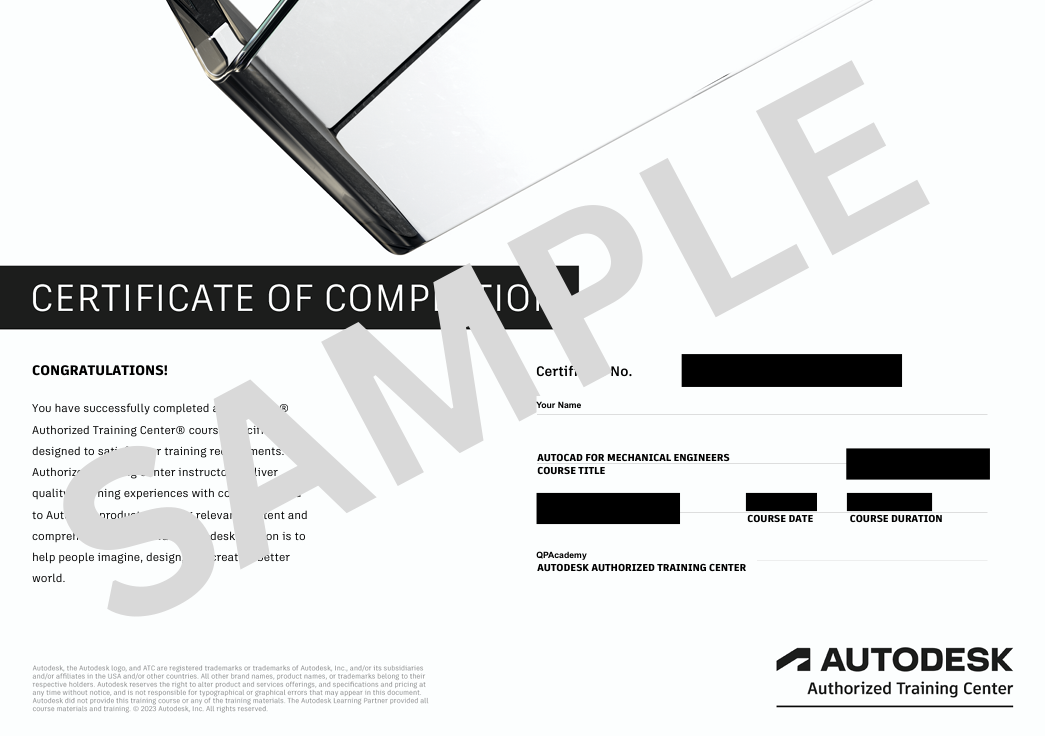
Showcase your achievement with an industry-recognized certificate. A symbol of your dedication and newly acquired skills, it’s proof you’re ready to apply your knowledge in real-world projects and career opportunities.
🏆 Certification & Recognition
- Certificate of Completion from Skillhub Academy
- Portfolio-ready drafting projects to showcase skills
- Preparation for Autodesk AutoCAD Certification Exam
🏆 Job Support + Email + Discussion Forum
100% Job Support – End-to-end guidance to help you land a job, from interview prep to career advice.
Email Assistance – Quick, personalized help right in your inbox whenever you need clarity.
Discussion Forum – A dedicated space to ask questions, share knowledge, and learn from peers & experts.

We’re an Official Autodesk Training Partner!
We’re proud to join hands with Autodesk as an Authorized Learning Partner. Get ready for certified courses, hands-on training, and resources backed by industry leaders. Whether you're a student, professional, or enthusiast—your journey to mastering Autodesk tools starts here.
Frequently Asked
Questions.
Is prior project-management experience required?
No. Module 1 covers PM basics; we progress from interface tour to critical-path optimisation.
Which MS Project version is used in the 20-hour labs?
Latest desktop (2021) is demonstrated; all steps work back to 2016 and you can practise on the free 30-day trial we help you install.
Will I build the WBS, schedule and reports myself?
Yes. Modules 3-11 are hands-on: you create tasks, assign resources, level workloads and generate Gantt dashboards that mirror real EPC scenarios.
How is earned-value covered?
Module 15 is fully devoted to EVM – CPI, SPI, EAC calculations are performed inside MS Project and exported to Excel for stakeholder charts.
Is Excel or Power BI mandatory?
Excel is used for cost export (Module 16); Power BI visuals are optional bonus. Both are provided with ready templates.
What is the final assessment?
Module 20 capstone: plan, baseline and track a 200-task infrastructure project; submit the .mpp file + PDF dashboard. 70 % score earns the QP Academy certificate.
Can this training help me clear PMP or planning-engineer interviews?
Absolutely. Scheduling, resource levelling and EVM skills map directly to PMP exam topics and are asked in planning-engineer job descriptions across construction, IT and oil-&-gas sectors.