
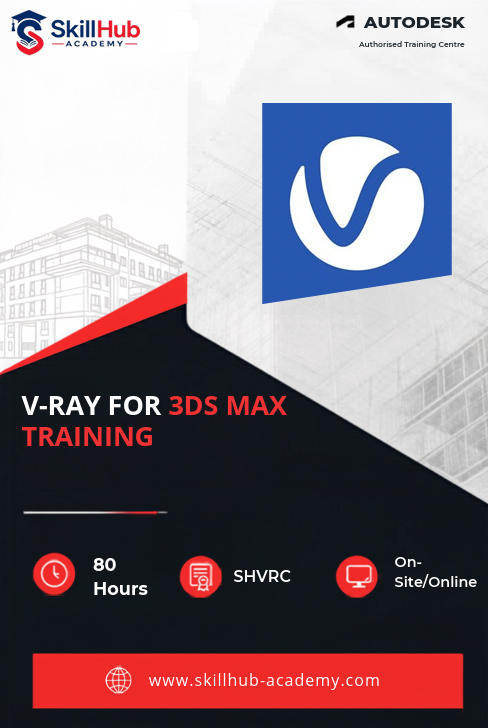

Architects, interior designers, and visualization professionals can take their 3D rendering skills to the next level with the Professional V-Ray for 3ds Max Course by Skillhub Academy a trusted institute known for its BIM and design training excellence. The course is developed and taught by trainers who have successfully delivered international architectural visualization projects and are currently working on live industry projects. They guide students through real world practical sessions to ensure hands on learning and professional exposure.
You’ll learn to create realistic materials, apply advanced lighting techniques, and render interiors, exteriors, and product designs with accuracy and depth. The training covers every step from modeling and texturing to camera setup, animation, and post production workflows preparing you to meet real project and client requirements. Special emphasis is given to mastering V-Ray’s physically based rendering system, helping you achieve true to life lighting, materials, and environmental realism.
Through interactive live projects and mentor led sessions, you’ll explore material creation global illumination, render optimization, and compositing techniques used in professional studios. Upon successful completion, Skillhub Academy also provides job assistance, helping you start or advance your career in architectural visualization, interior design, product rendering, and 3D production within the AEC and creative industries.

| Why Choose Our Program? | |
|---|---|
| Step-by-Step Learning | Start from 3D basics and advance to professional modeling, texturing, lighting, and animation workflows. |
| Hands-on Projects | Work on real-world visualization projects — from exteriors and interiors to full architectural walkthroughs. |
| Instructor-Led Guidance | Learn directly from professionals experienced in architectural visualization and design presentation. |
| Industry-Ready Skills | Master 3DS Max, AutoCAD integration, and V-Ray workflows aligned with AEC industry standards. |
| Certification Ready | Get prepared for Autodesk Certified Professional exams and enhance your career credibility. |
| Portfolio Development | Build a strong visualization portfolio with professional renderings, animations, and project files. |
| Flexible Learning | Learn online or offline at your own pace with personalized instructor support and recorded sessions. |
After completing the Professional V-Ray for 3ds Max Training Course, you’ll be ready for roles such as:
- 3D Visualization Artist
- Architectural 3D Renderer
- Interior & Exterior Lighting Specialist
- Product Visualization Designer
- V-Ray Material & Shading Artist
- Animation & Walkthrough Creator
- Freelance 3D Designer / Visualization Consultant
Mastering V-Ray for 3ds Max empowers you to produce photorealistic renders, dynamic architectural walkthroughs, and compelling design presentations. These high-demand skills open doors in architectural firms, interior design studios, product design companies, and global 3D visualization agencies.
What Will You Learn?
Find out what skills you'll gain — and who this course is designed for.
Whether you're a student, engineer, or design enthusiast, this section gives you a clear look at what you’ll learn and if this course fits your goals. No jargon, no guesswork — just real skills for real careers.
Module 1: V-Ray Fundamentals & Setup
Understand V-Ray technology, ray tracing, and physically based rendering. Learn installation, license management, interface navigation, and basic render setup for professional workflows.
Module 2: V-Ray Materials Mastery
Create photorealistic materials using V-Ray shaders. Explore reflections, refractions, subsurface scattering, texture mapping, and complex multi/sub-object material setups for realistic surfaces.
Module 3: V-Ray Lighting Mastery
-
Implement advanced lighting techniques for interiors and exteriors, including daylight simulation, HDRI setups, IES lighting, bounce lighting, and global illumination optimization.
Module 4: V-Ray Cameras & Rendering
Master V-Ray Physical Camera settings, depth of field, motion blur, render settings optimization, frame buffer usage, and multi-pass rendering for high-quality outputs.
Module 5: Advanced V-Ray Features
Module 6: Post-Production & Compositing
Module 7: Production Workflows & Portfolio
Final Project
Who Should Enroll?
Discover if this course is the right fit for you. Whether you’re a beginner looking to build strong foundations or a professional aiming to sharpen your expertise, this program is designed to match your goals and career path.
👩🎓 Who Should Enroll?
This course is perfect for:
Architects & Interior Designers: Learn to create photorealistic architectural visualizations, interior scenes, and walkthroughs that bring designs to life using V-Ray.
3D Visualization Artists: Master advanced rendering workflows, materials, lighting, and post-production for professional-grade visualizations.
Product Designers & Industrial Visualizers: Develop realistic product renders, studio lighting setups, and marketing-ready visuals.
Game Developers & VFX Professionals: Apply V-Ray materials, lighting, and rendering techniques to create immersive environments and cinematic effects.
Freelancers & Consultants: Offer specialized V-Ray rendering and visualization services to clients worldwide across architecture, design, and product industries.
Students & Enthusiasts: Gain practical hands-on experience in modeling, texturing, lighting, rendering, and animation to kickstart a career in 3D visualization.
What will you achieve?
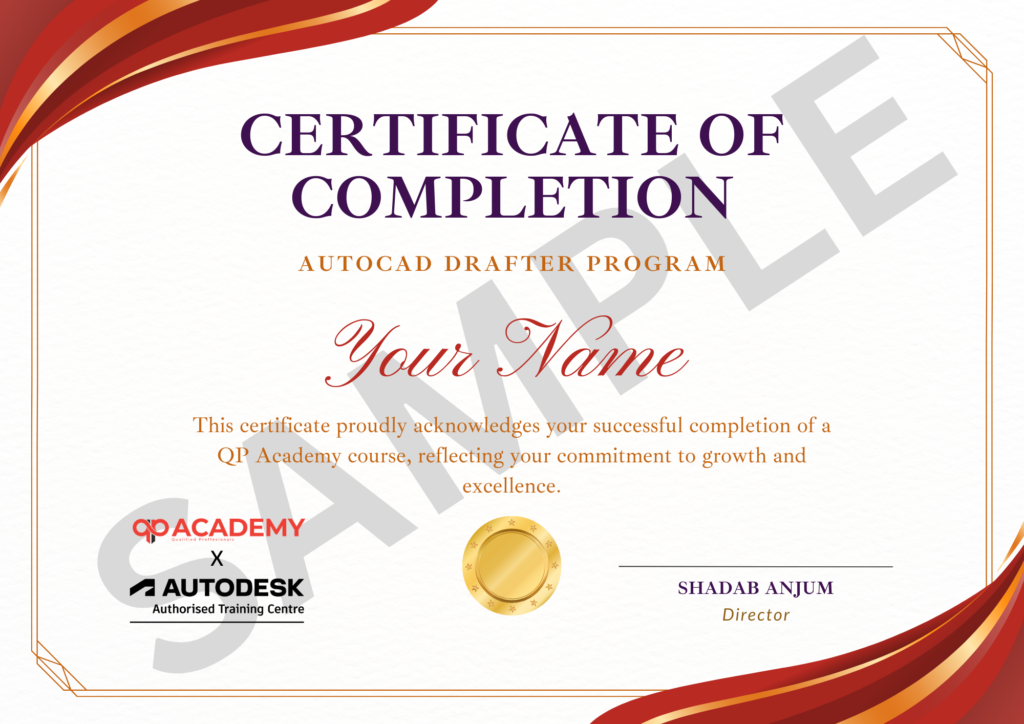
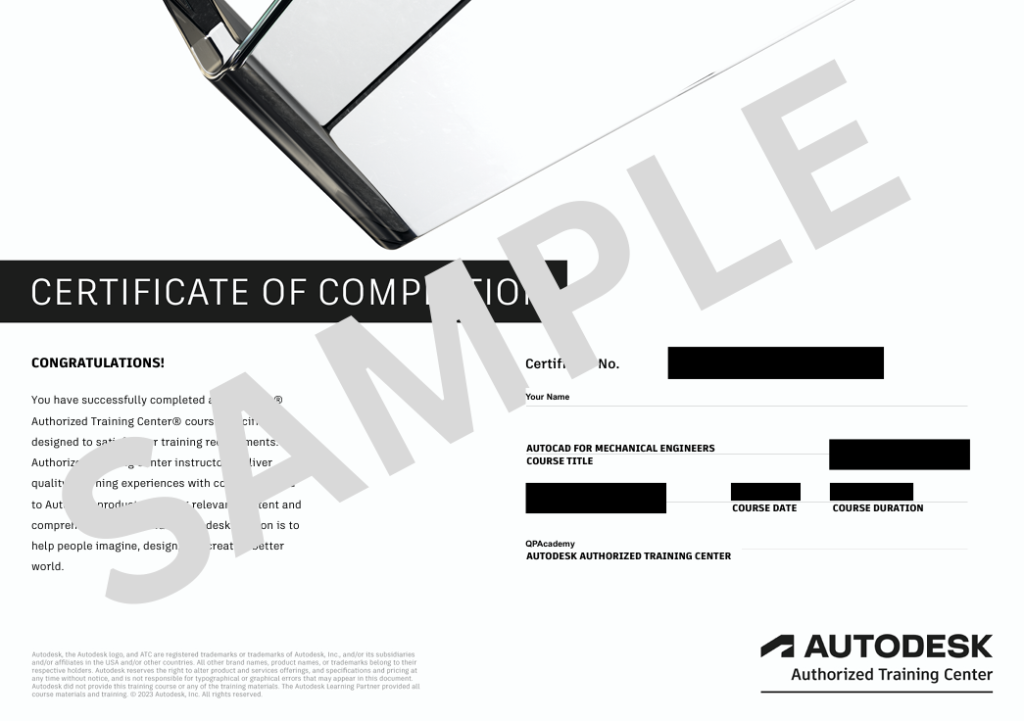
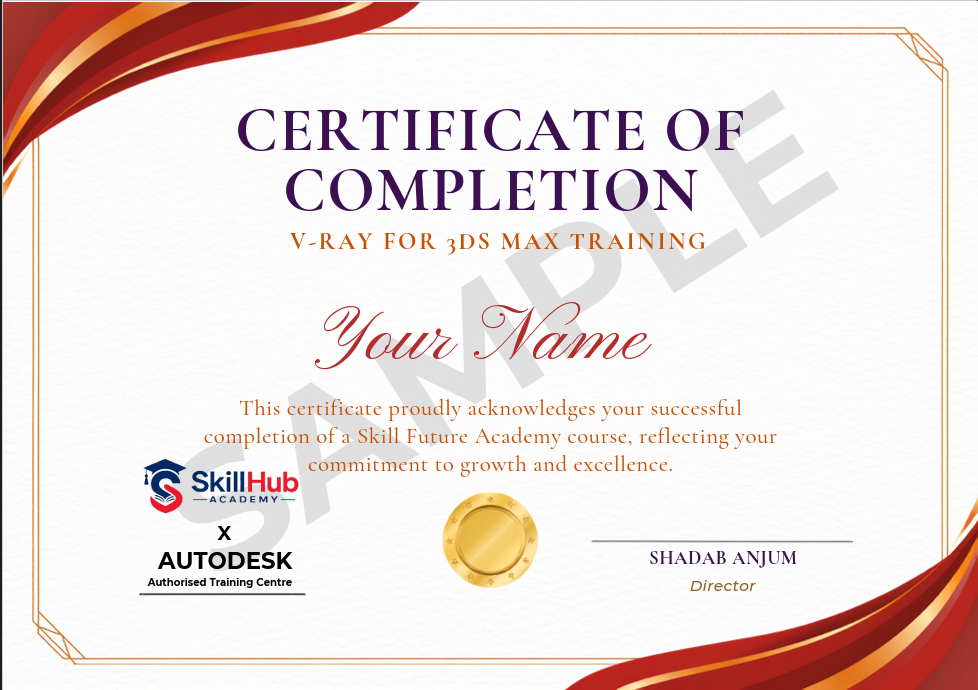
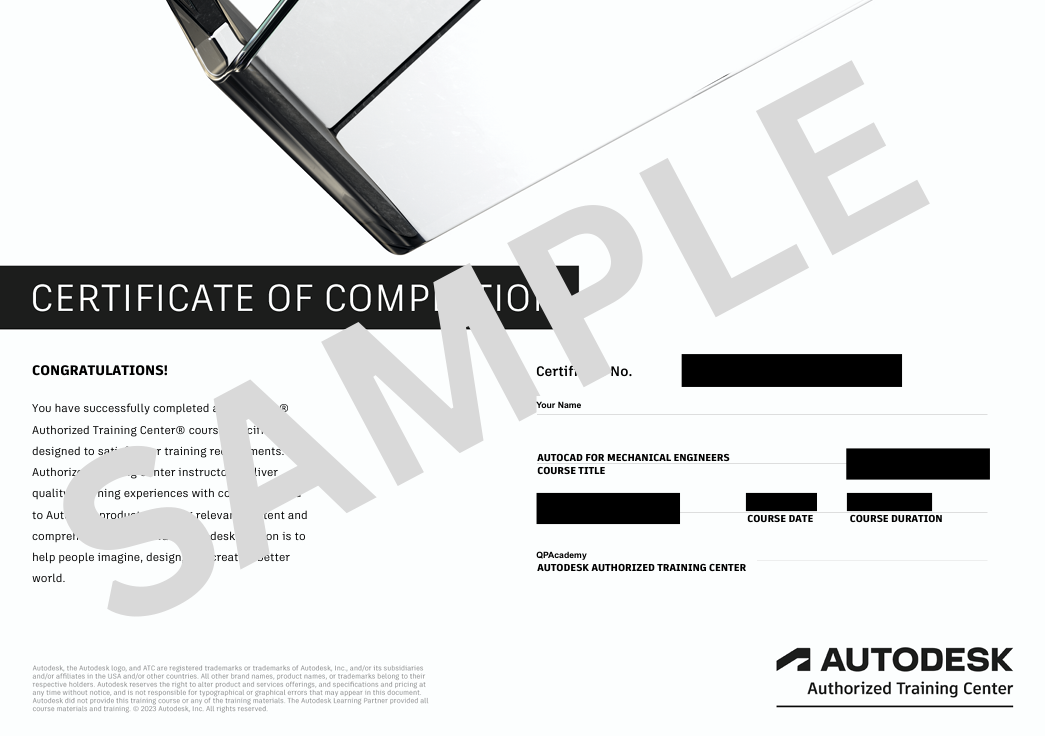
Showcase your achievement with an industry-recognized certificate. A symbol of your dedication and newly acquired skills, it’s proof you’re ready to apply your knowledge in real-world projects and career opportunities.
🏆 Certification & Recognition
- Certificate of Completion from Skillhub Academy
- Portfolio-ready drafting projects to showcase skills
- Preparation for Autodesk AutoCAD Certification Exam
🏆 Job Support + Email + Discussion Forum
100% Job Support – End-to-end guidance to help you land a job, from interview prep to career advice.
Email Assistance – Quick, personalized help right in your inbox whenever you need clarity.
Discussion Forum – A dedicated space to ask questions, share knowledge, and learn from peers & experts.

We’re an Official Autodesk Training Partner!
We’re proud to join hands with Autodesk as an Authorized Learning Partner. Get ready for certified courses, hands-on training, and resources backed by industry leaders. Whether you're a student, professional, or enthusiast—your journey to mastering Autodesk tools starts here.