


Skillhub Academy’s live, instructor-led STAAD.Pro programme takes civil and structural engineers from foundation concepts to advanced, code-compliant design—covering interface basics, model creation and load interpretation in interactive sessions that mirror real consultancy workflows.
Through progressive modules you will build 2D/3D frame and slab systems, apply wind and seismic loads per IS 875 & IS 1893, run static, dynamic and response-spectrum analyses, design RCC beams, columns, slabs, shear walls and steel connections, then validate results with detailed check reports.

| Why Choose Our Program? | |
|---|---|
| Step-by-Step Learning | From beginner basics to advanced drafting workflows |
| Real Projects | Work on floor plans, construction documents, and detailed layouts |
| Instructor-Led Expertise | Learn from certified professionals with real-world CAD experience |
| Industry Standard Training | Gain skills that align with global architectural and engineering practices |
| Certification Ready | Prepare for Autodesk certification exams for added credibility |
| Career Advantage | Build a strong portfolio and stand out in job applications |
| Flexible & Accessible | Learn online at your own pace with practical assignments |
Roles you can pursue:
- Structural Design Engineer
- Bridge Design Engineer
- Structural Analyst
- Steel Connection Designer
- Structural BIM Modeler
- Seismic Design Engineer
- Structural Draftsman
Industry Demand:
- Structural Design Consultancies
- Bridge & Infrastructure Developers
- High-rise & Commercial Builders
- Industrial & Power Plant EPCs
- International Structural BIM Outsourcers
What Will You Learn?
Find out what skills you'll gain — and who this course is designed for.
Whether you're a student, engineer, or design enthusiast, this section gives you a clear look at what you’ll learn and if this course fits your goals. No jargon, no guesswork — just real skills for real careers.
Model 1: Model & Mesh
- Build 2D/3D frame, slab and shell geometry inside STAAD.Pro
- Use node/beam editor, translational repeat and snap tools for fast modelling
- Assign materials, sections and supports in seconds with GUI shortcuts
Model 2: Load & Combine
- Apply dead, live, wind (IS 875) and seismic (IS 1893) loads in minutes
- Auto-generate critical load combinations per code recommendations
- Preview resultant forces before running analysis to catch input errors
Model 3:Analyse & Optimise
- Run static, P-delta, dynamic and response-spectrum analysis in one click
- Interpret deflection, BM/SF graphs and optimise member sizes on the spot
- Use FEM concepts to refine mesh density and speed up convergence
Model 4: Design to Code
- Design RCC beams, columns, slabs and shear walls per IS 456 with auto-rebar
- Check steel members, connections and push-over performance per IS 800 & IS 1893
- Obtain utilisation ratios, summary sheets and quantity take-offs instantly
Model 5: Report & Deliver
- Generate design summary, DXF drawings and quantity lists in a single export
- Export results to Excel and create client-ready calculation sheets
- Compile professional project dossier from model to drawings ready for submission
Who Should Enroll?
Discover if this course is the right fit for you. Whether you’re a beginner looking to build strong foundations or a professional aiming to sharpen your expertise, this program is designed to match your goals and career path.
👩🎓 Who Should Enroll?
- Civil & Structural Engineering Students – looking to add industry-grade analysis and IS-code design skills to their résumé before placement season.
- Working Design Engineers – who want to switch from manual calculations or basic CAD to fast, code-compliant FEM analysis and optimisation.
- Project Engineers & Consultants – responsible for safe, economical beams, columns, slabs, bridges or towers and need STAAD.Pro mastery for client deliverables.
- Faculty & Researchers – teaching structural design and need licensed software know-how plus real data sets for classroom or publication use.
- BIM & CAD Technicians aiming to integrate 3D structural models with analysis results and generate DXF/Excel reports for multidisciplinary coordination.
What will you achieve?
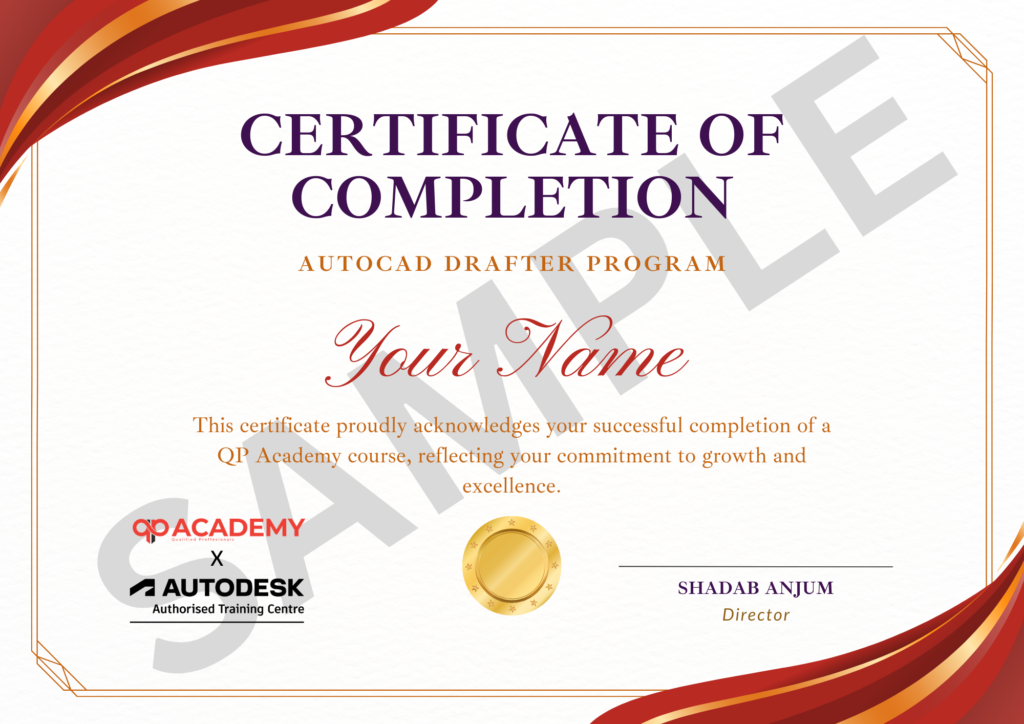
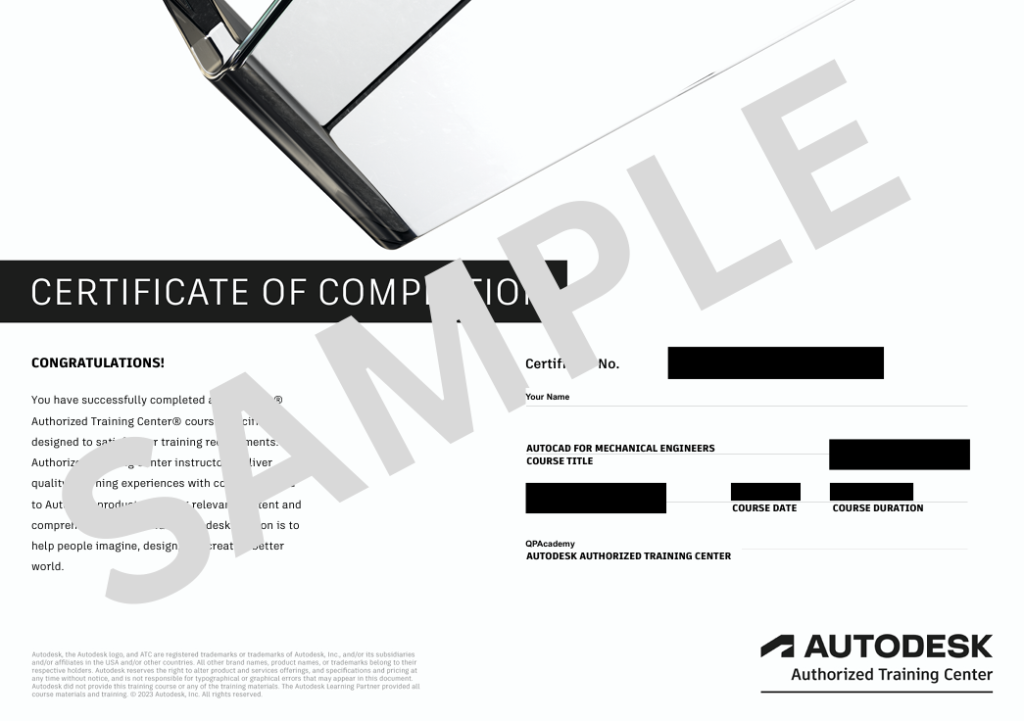
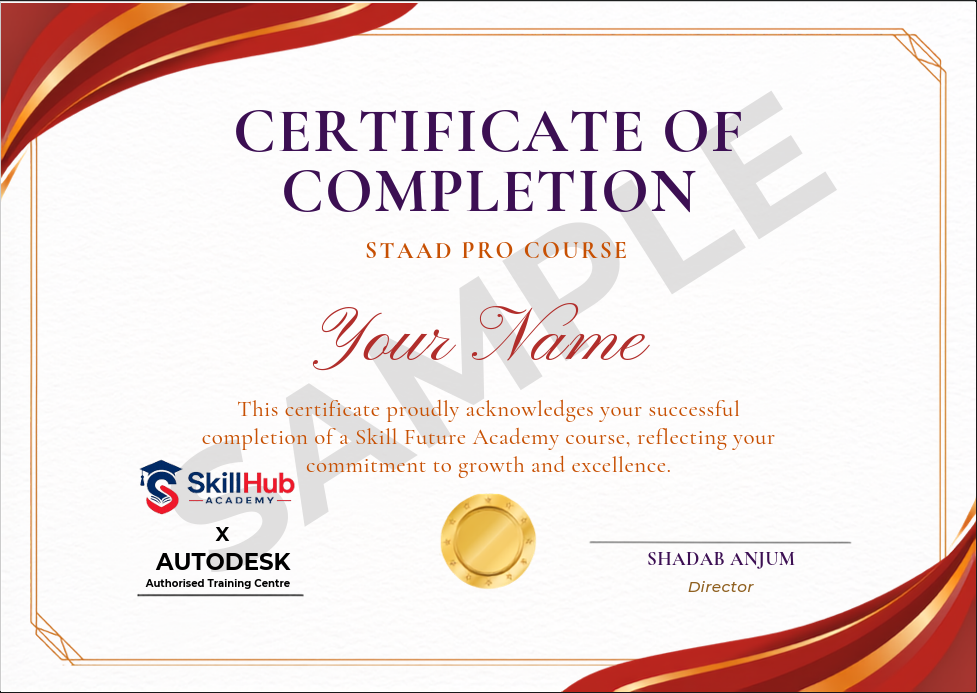
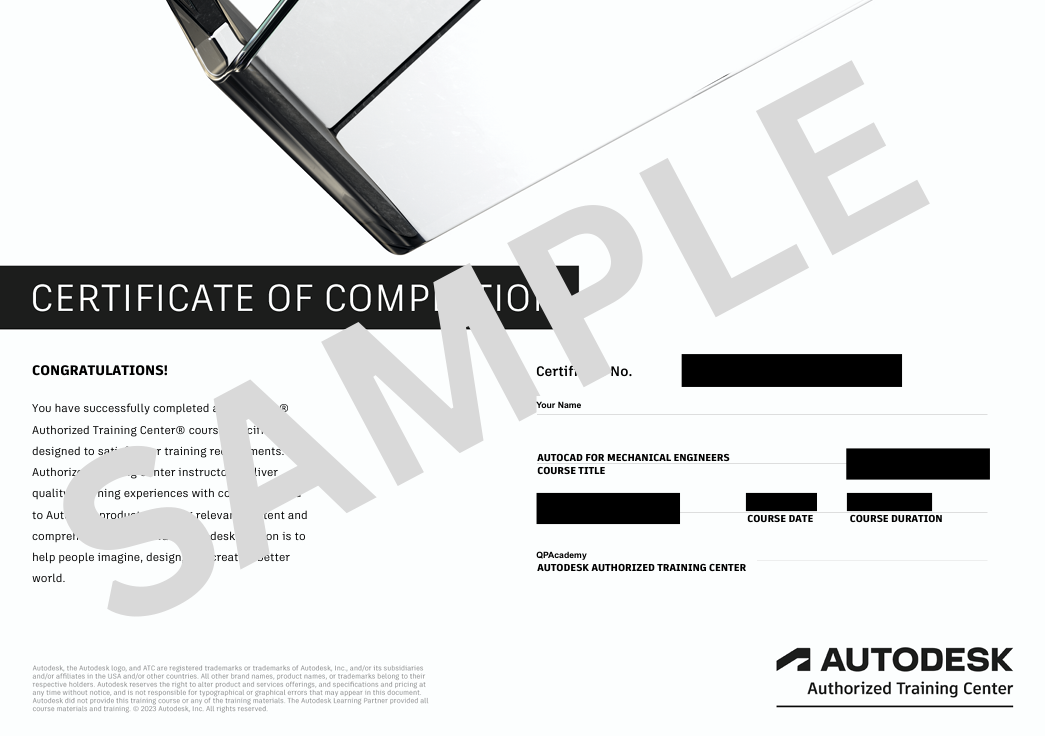
Showcase your achievement with an industry-recognized certificate. A symbol of your dedication and newly acquired skills, it’s proof you’re ready to apply your knowledge in real-world projects and career opportunities.
🏆 Certification & Recognition
- Certificate of Completion from Skillhub Academy
- Portfolio-ready drafting projects to showcase skills
- Preparation for Autodesk AutoCAD Certification Exam
🏆 Job Support + Email + Discussion Forum
100% Job Support – End-to-end guidance to help you land a job, from interview prep to career advice.
Email Assistance – Quick, personalized help right in your inbox whenever you need clarity.
Discussion Forum – A dedicated space to ask questions, share knowledge, and learn from peers & experts.

We’re an Official Autodesk Training Partner!
We’re proud to join hands with Autodesk as an Authorized Learning Partner. Get ready for certified courses, hands-on training, and resources backed by industry leaders. Whether you're a student, professional, or enthusiast—your journey to mastering Autodesk tools starts here.
Frequently Asked
Questions.
Is prior STAAD.Pro or FEM experience required?
No. Module 1 starts with interface basics; we build from simple beams to complex 3D frames step-by-step.
Which design codes are taught?
IS 456 (RCC), IS 800 (Steel) and IS 1893 (Seismic); all workflows follow latest revision clauses.
Will I design real projects during the 60 hours?
Yes. Modules 7-10 are pure hands-on: RCC building, steel truss, water tank and bridge deck—complete with calculation sheets.
Is software provided?
We help you install the latest STAAD.Pro trial/educational licence for course duration; perpetual licence purchase guidance is given.
Are sessions recorded?
Every live class is recorded and accessible for 12 months, along with model files and PDF notes.
What is the final assessment?
A capstone project (multi-storey building + foundation) is analysed, designed and documented; 70 % score earns the QP Academy certificate.
Can this training help me clear PMP or planning-engineer interviews?
Absolutely. Scheduling, resource levelling and EVM skills map directly to PMP exam topics and are asked in planning-engineer job descriptions across construction, IT and oil-&-gas sectors.
What if I miss a live session?
Watch the recording, submit your doubts in the group and the instructor will reply within 24 h; you can also book a 15-min catch-up slot.
Is placement assistance provided?
Yes. QP Academy shares your capstone project and certificate with 150+ hiring partners and guides you on resume building and common interview questions.